Discover
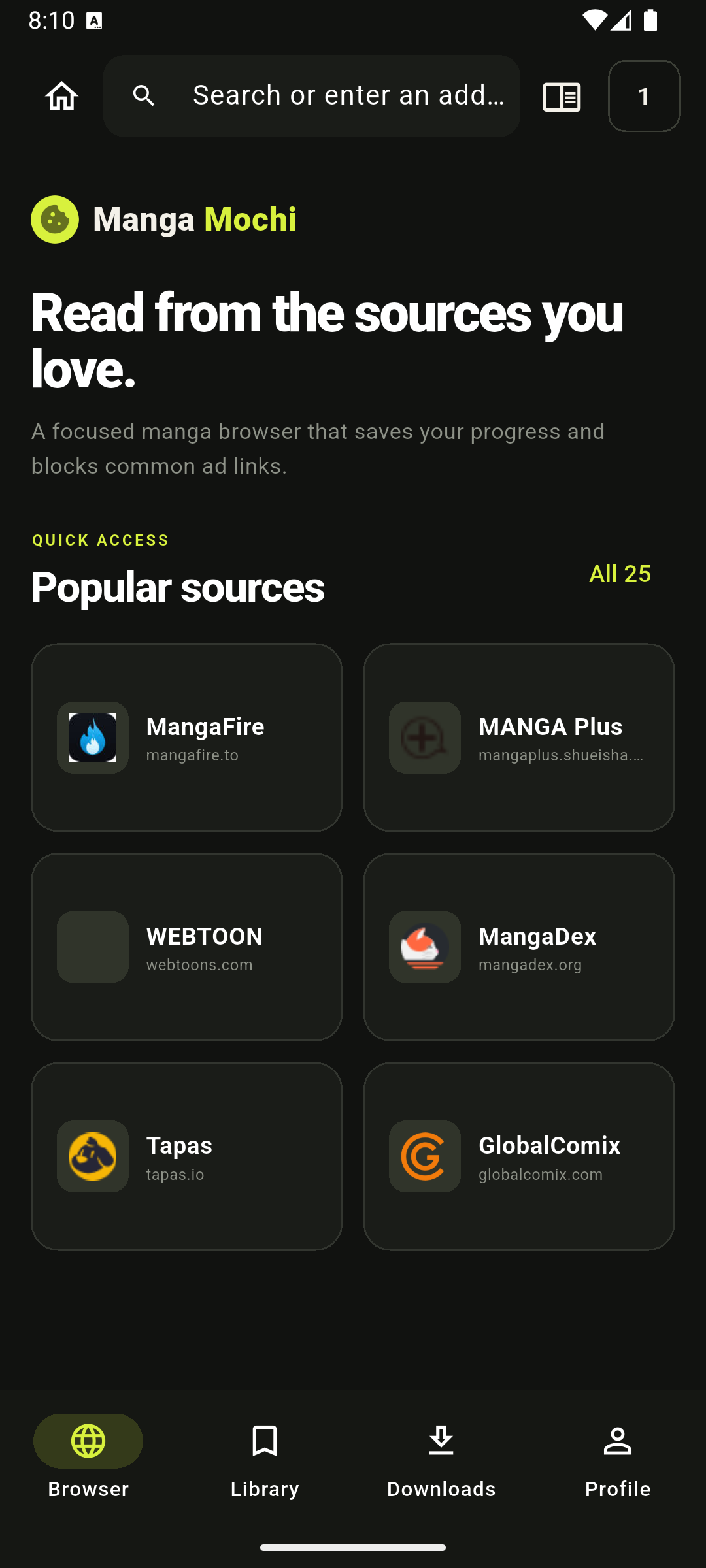
Pick a source from the directory or search MangaDex in the app.
 Manga Mochi
Choose the app interface separately from available manga chapter languages, with local bookmarks and saved progress on Android.
Pick a source from the directory or search MangaDex in the app.
Open a chapter in the reader and move through pages at your pace.
Use Continue reading on Home to get back to your recent chapter.
Move between source discovery, saved titles and recent reading without rebuilding your place each time.
Every item below reflects a working part of the current Android app.
Browse a directory of manga, manhwa and webtoon sources, or enter an address directly.
Open MangaDex titles and chapters in the native reader, with retry when a chapter fails to load.
Recent reading appears on the home screen so the next session starts where the last one ended.
Bookmark titles and keep reading history on the device without creating an account.
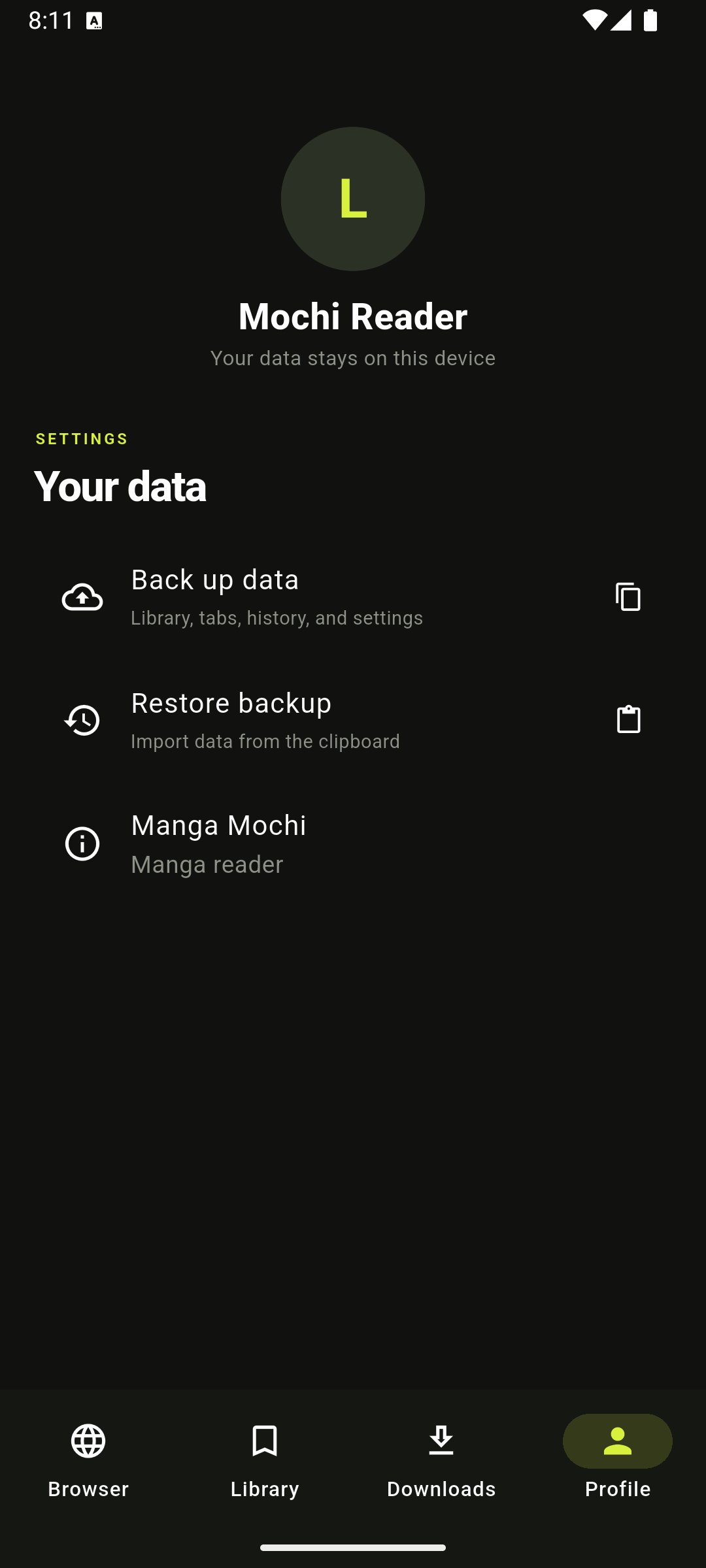
Copy a backup of your reader data and restore it later from the device clipboard.
Keep the app interface in English or Vietnamese, then choose available manga chapter languages independently.
Manga Mochi is available now for Android through Google Play.
Bookmarks, reading history and preferences are stored on your device. Manga Mochi also provides a manual backup and restore action in Profile.
The app includes a source directory and a native MangaDex flow. Other websites may behave differently as their pages change.
Open a chapter and read as usual. Your recent title and page progress can then appear in Continue reading on the home screen.
Manga Mochi supports Android 7.0 and newer.
READY FOR THE NEXT CHAPTER?Practical guides for saving progress, reading supported chapters offline and keeping your library on your device.
Keep navigation in English or Vietnamese while choosing available chapter languages independently.
Read guide →OFFLINE READINGPrepare a chapter before a flight, commute or unreliable connection.
Read guide →READING PROGRESSUse recent reading and saved progress without creating an account.
Read guide →BOOKMARKS VS HISTORYUse Library, recent reading and page progress for the jobs they do best.
Read guide →LOCAL LIBRARYUnderstand what stays on your device and how manual backup works.
Read guide →BACKUP & RESTOREBack up local bookmarks, history, progress and preferences before switching phones.
Read guide →